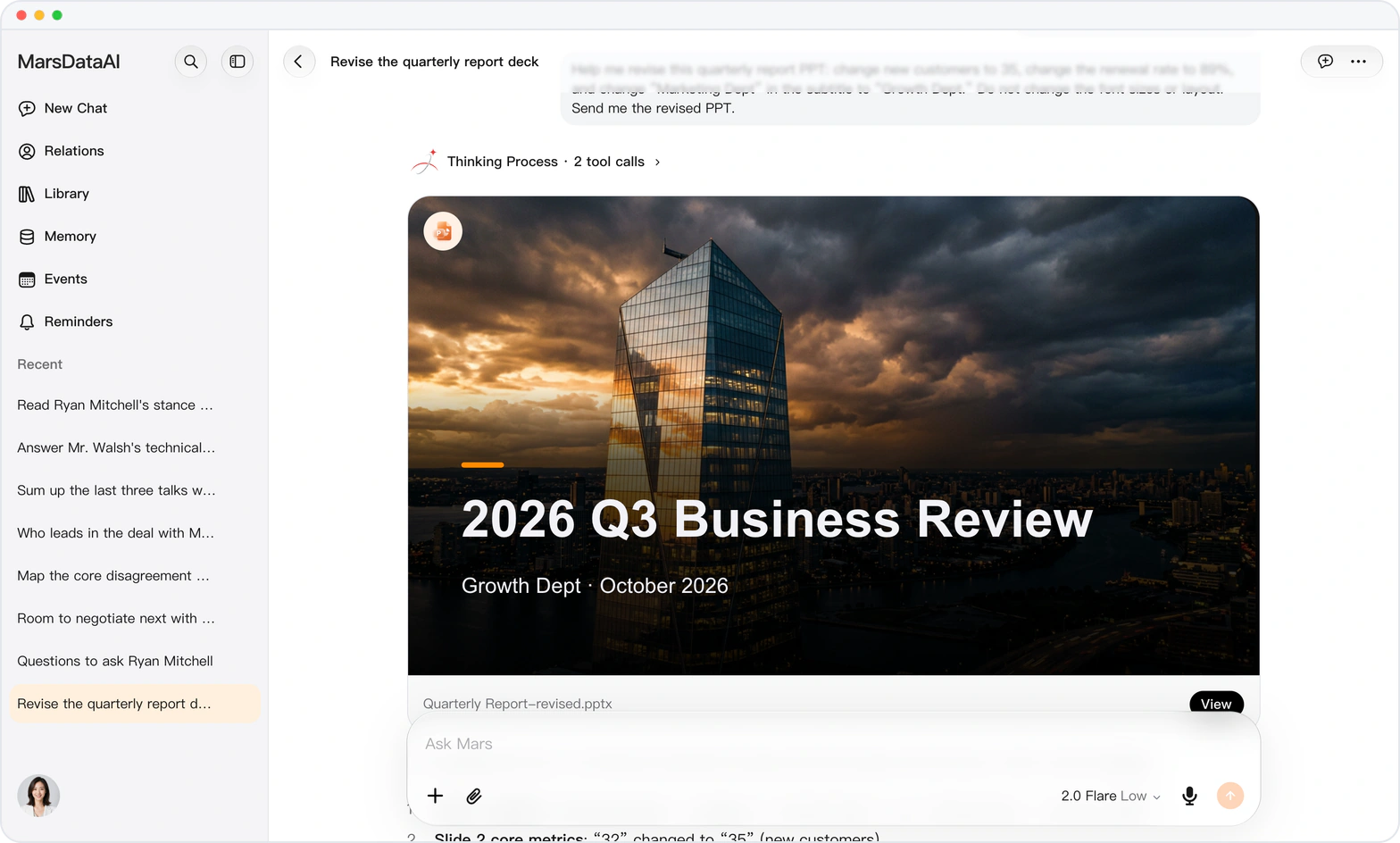
How does the AI document editor protect files?
The worst part of editing is breaking the original. This AI document editor saves revisions as a new copy, so your original stays intact.
Send Keynote, Pages, Numbers or WPS files, or Word, Excel, PowerPoint and PDF, and YescaAI shows the first page right in the chat, so you can check a file without downloading it. Ask YescaAI to edit a Keynote, Pages or Numbers file and it first offers to convert it to PowerPoint, Word or Excel, saves that copy to your Library and makes the changes there, leaving your original intact.
How to edit Word documents with YescaAI
Ask YescaAI to revise a Word, Excel or PowerPoint file, and the result is saved as a new Library document. Word changes arrive as tracked changes, so you can accept or reject each one. For Keynote, Pages and Numbers files, YescaAI first offers to convert them to PowerPoint, Word or Excel, saves that copy to your Library and makes the edits there. You can also ask YescaAI for a new Word document in the YescaAI style, with lists and illustrations, and it is saved to the Library the same way.
AI document editor for Apple and Office files
Send Keynote, Pages, Numbers or WPS files, or Word, Excel, PowerPoint and PDF files, and YescaAI shows the first page right in the chat, so you can check the content without downloading it. Check the preview first, then decide what to change. Use this AI document editor when a deck, report or spreadsheet arrives in an Apple or WPS format and needs revisions. YescaAI asks before any conversion, and the original file stays untouched while the copy is edited.
Revisions you can check before you accept them
Revisions reach you in a form you can check. Word changes appear as tracked changes, so you can accept or reject each one. The first-page preview lets you confirm you have the right file before you ask for edits. YescaAI asks before any conversion starts, and the copy it creates sits in your Library beside the original. Each change is made in a document you can open and review, so the revision is yours to approve.
Check any document at a glance and get Apple or Office files revised right in the chat.
See the rest of Library & Document Editing in YescaAI Wiki.