The text message analyzer that reads the subtext
Not sure what that text means? YescaAI is a text message analyzer for any chat: drop in a screenshot and it reads the tone, the subtext and what the other person is asking for, then helps you answer in a way that fits the relationship.
Message analysis: analyze text messages and read the message behind the message
A short reply, a late answer, an emoji where words used to be: small signals carry most of the meaning in a chat. YescaAI looks at the whole screenshot, not one line, and explains what the other person is likely feeling and asking for. Analyzing messages together shows a pattern that one line hides. For example, you send three screenshots of a group chat where a friend answered every topic except the trip you proposed. YescaAI notes that she skipped the dates twice, quotes her earlier "money is tight this month", and reads it as a budget worry rather than a no to the trip. Message analysis works on one long, confusing message too: your landlord sends a wall of text about renewing the lease and raising the rent, you screenshot it and ask "What does this actually want from me?", and YescaAI lists the reply deadline, the increase and what is open to negotiation, quotes each line, and drafts a reply you edit and send yourself.
- Tone and intent in plain words, with the lines that support each reading
- Requests, promises and deadlines the other person mentioned, even inside a long message
- What changed compared with earlier conversations you saved
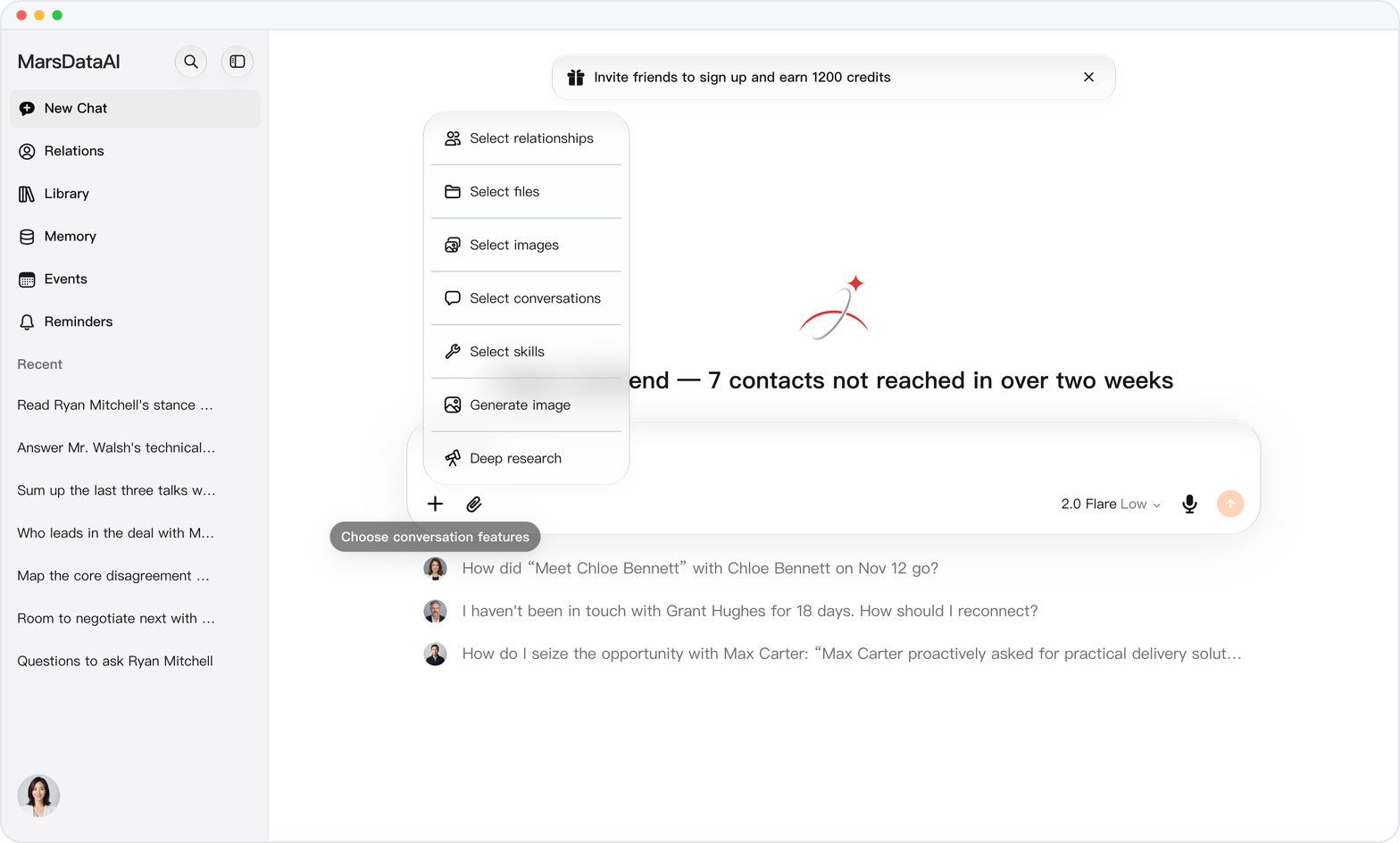
Reply with context, not a template
Generic reply generators guess. YescaAI drafts an answer from what you already know about this person: past conversations, what you agreed, what they care about. You edit it and send it yourself.
- Drafts in your voice that you can shorten, warm up or make more direct
- Suggested next questions when you are not sure what to ask
- Nothing is sent for you: you stay in control of every message
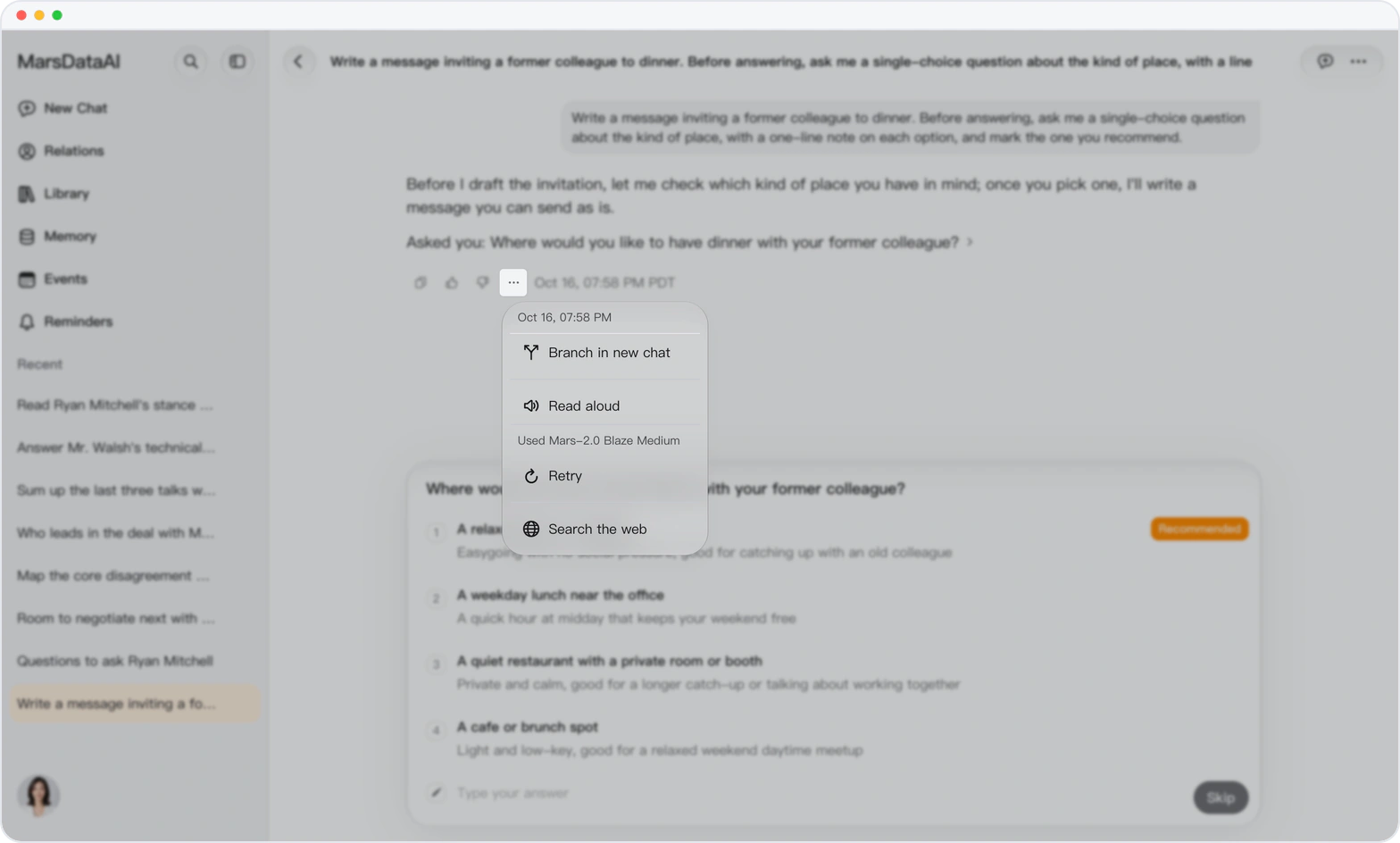
Every screenshot becomes memory
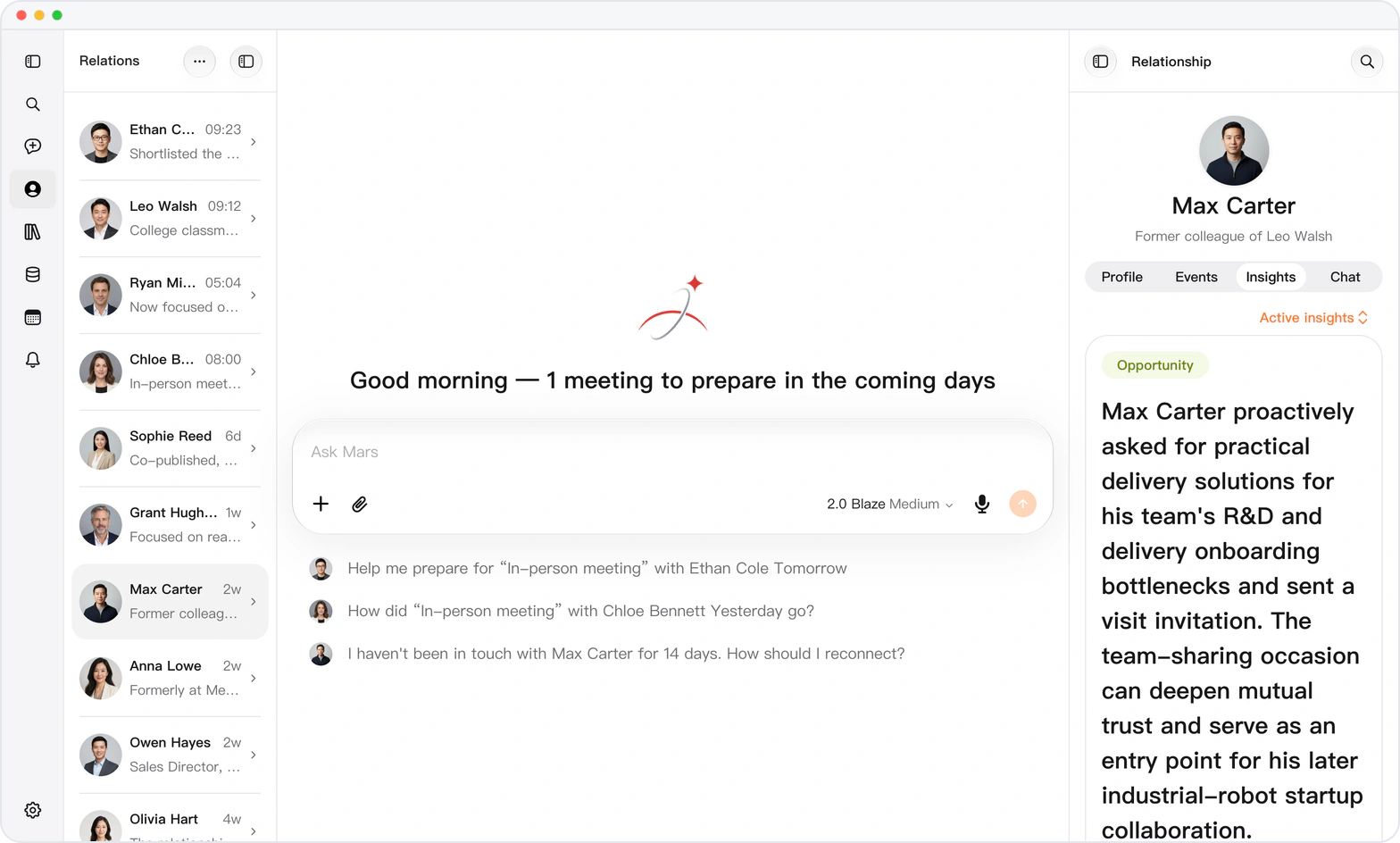
The people in a screenshot become relationship records, and the plans in it become events with reminders. The next time you talk, YescaAI already remembers.
- People recognized from the chat and added to your relationships
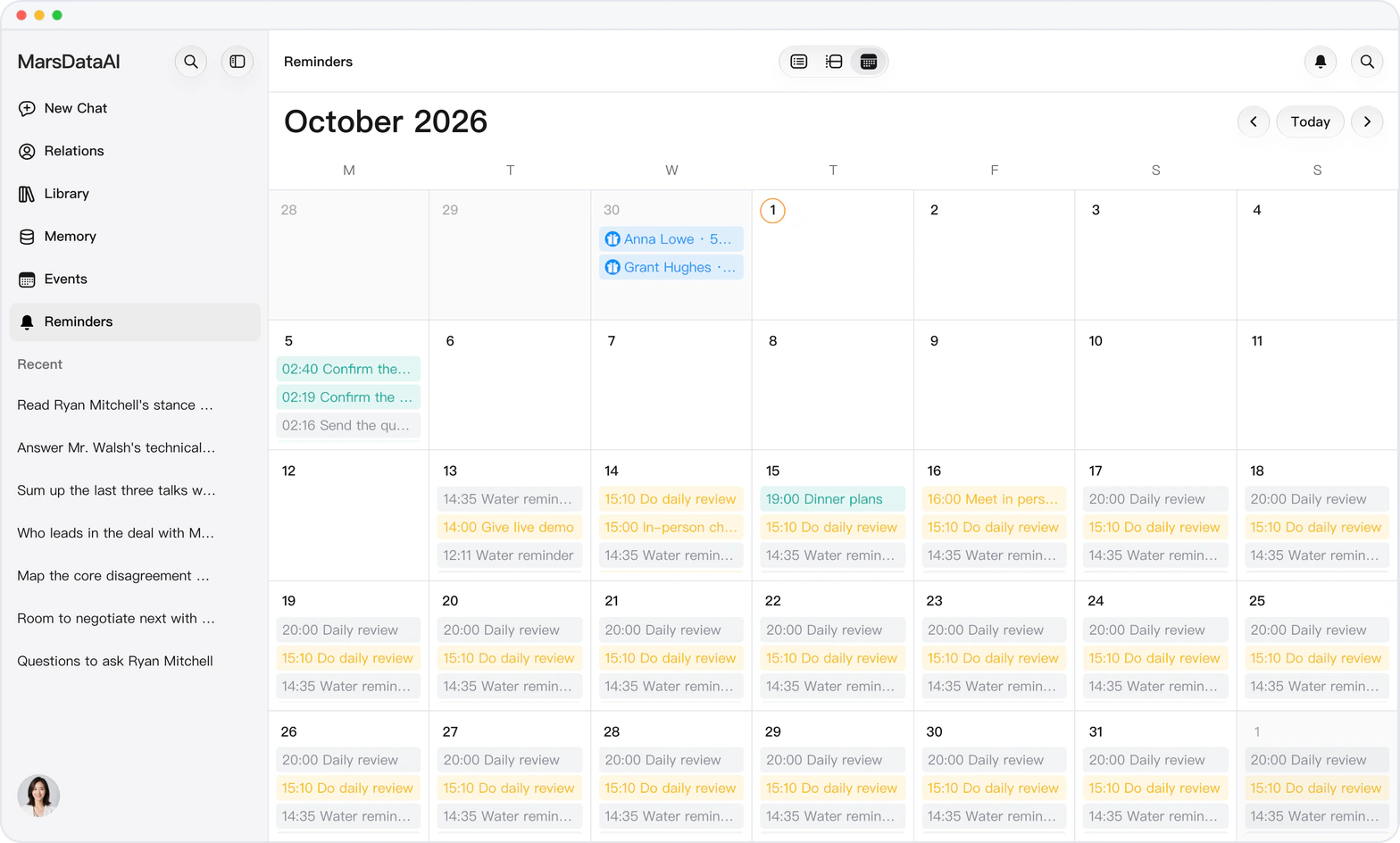
- Times and plans turned into calendar events
- Works with screenshots from any messaging app
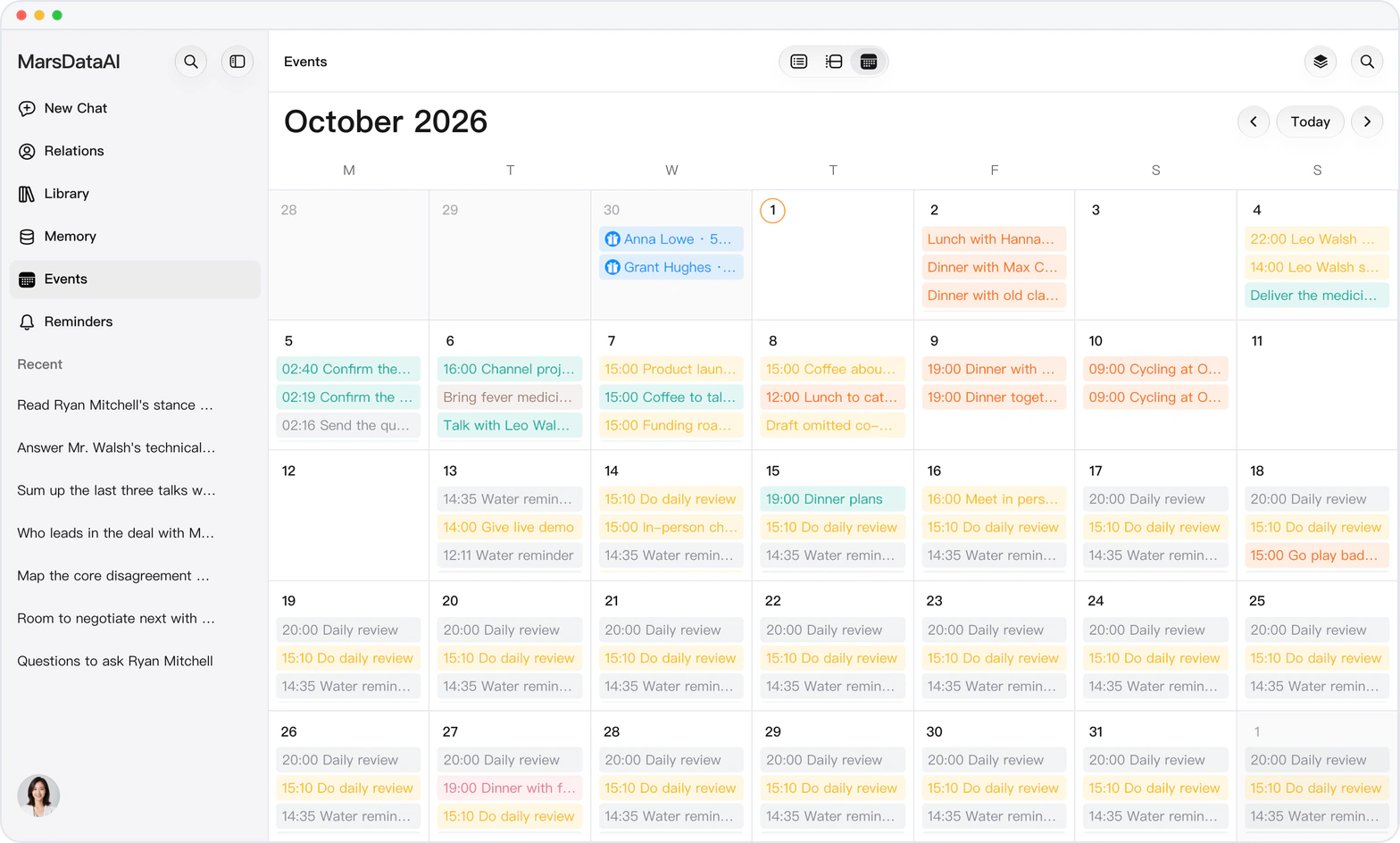
Respond to this message without overthinking it
When a text needs an answer now, screenshot the chat and ask YescaAI: "How should I respond to this message?" It reads the whole thread first, names what the other person is asking for, then drafts a reply that fits your history with them. For example, a friend writes "lol ok whatever works" after you cancelled twice. YescaAI points out the cooler tone and drafts a reply that apologizes once and proposes a new date.
- The ask, the tone and any date in the message, before the draft
- A reply grounded in what you already know about this person
- Ask for another version until it sounds like you
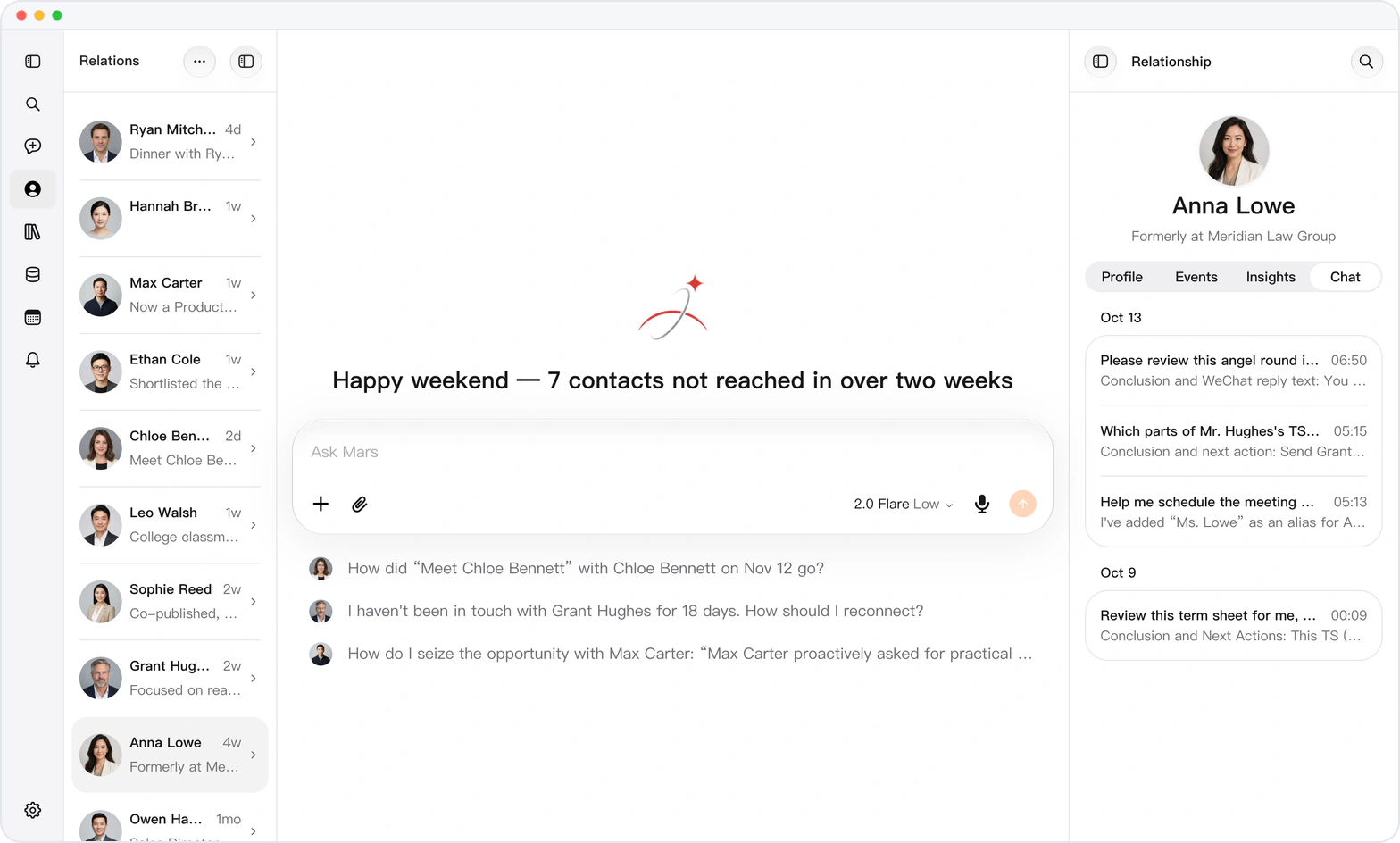
Write me a message: start the conversation, not only the reply
Sometimes nobody has texted you yet and all you want to say is "write me a message". Tell YescaAI who it is for and what you want to get across, and it drafts the first message from what you already know about that person. For example: "Write me a message to Sam, we have not talked since he started his new job in March." YescaAI recalls the job change from your saved conversations and drafts a short check-in that asks how his first months went.
- Say who it is for, the goal and the tone: a check-in, a thank-you, an invitation or a firm no
- Details from the person's relationship record, so it does not read like a template
- A draft card with Edit and Copy; you send it from your own app
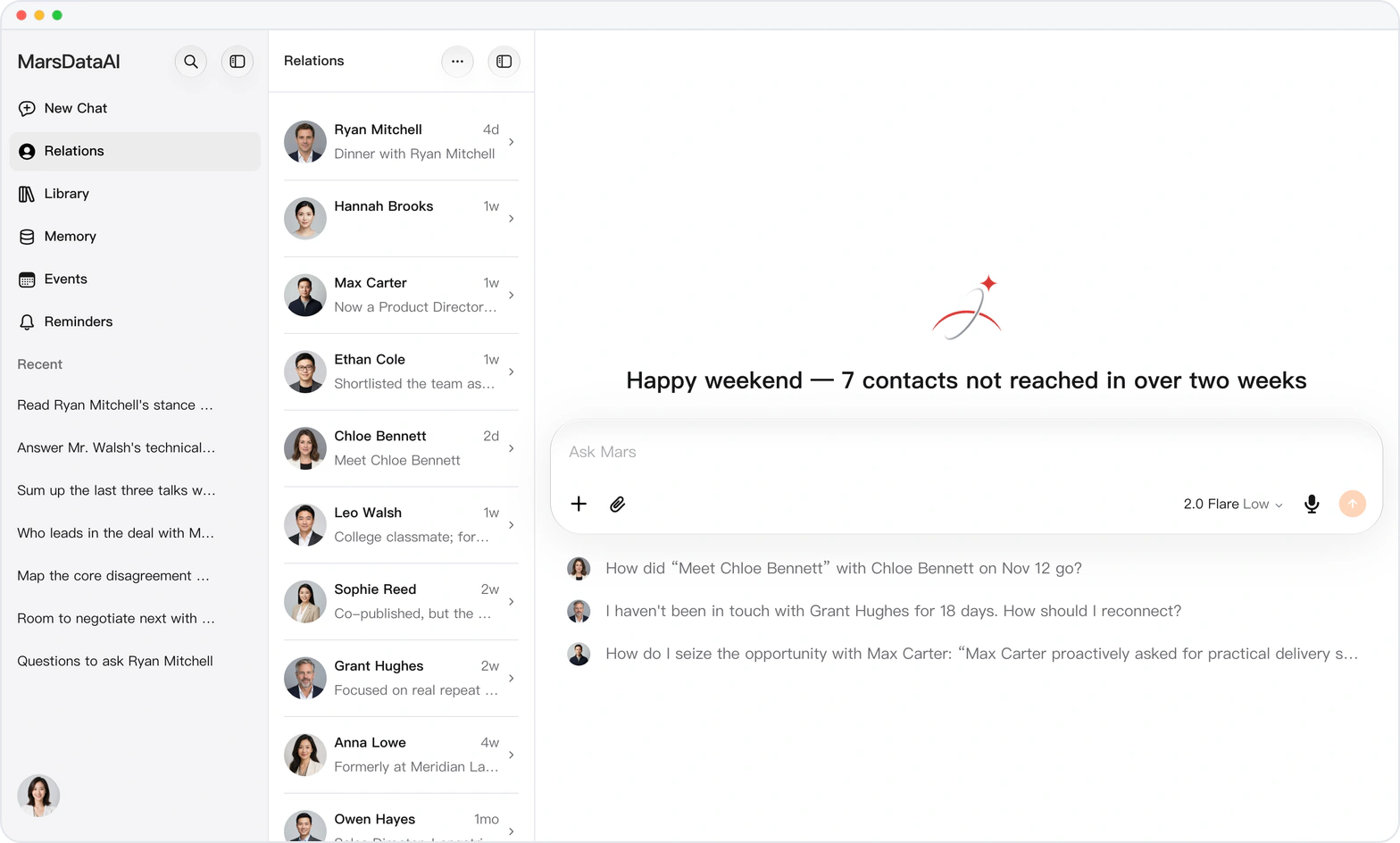
What is this text about? Get the gist before you answer
A long message, a vague one-liner or a group chat you only skimmed: before you reply, you need to know what the text is about. Send YescaAI the screenshot and ask "What is this text about?" It sums up the message in a sentence or two, then lists what the sender wants from you. For example, a landlord writes three paragraphs about "the upcoming changes to the arrangement". YescaAI answers that the rent goes up from January, that they want your decision by 15 December, and quotes the line that says so.
- A one- or two-sentence summary of what the message is about
- The request, deadline or decision hidden in the text, with the line that says it
- Who the sender is to you, from the relationship record if you saved one
How should I respond to this text? Pick the right answer first
You stare at a text, type three answers, delete them all and ask yourself: "How should I respond to this text?" Send YescaAI the screenshot and ask exactly that. It reads the whole thread, says what kind of answer the moment calls for (a quick yes, a polite no, a question back or no reply yet), then drafts one that fits where you stand with this person. For example, a coworker you barely know asks "are you free this weekend?". YescaAI notes that you have only talked about work so far and drafts a friendly reply that asks what they have in mind before you commit.
- The kind of answer the moment needs: agree, decline, ask back or wait
- A tone that fits the relationship stage you saved, from new acquaintance to close friend
- Ask for a shorter, warmer or firmer version until it sounds like you
A texting helper that knows who you are texting
Most texting helpers write clever lines for a stranger. YescaAI is a texting helper that starts from the person: your saved conversations, what they told you and what you planned together. Use it before a first message on a dating app, in a tense group chat or when a friend goes quiet. For example, a match mentions she just got back from a hiking trip in Utah. YescaAI suggests a reply that asks about the trail she named, and once you agree on coffee, it turns the plan into an event with a reminder.
- Openers, replies and follow-ups for dating apps, friends, family and work chats
- Suggestions grounded in the person's relationship record, not generic pickup lines
- Plans from the chat turned into reminders, so you follow up on time
What does this text mean? Explain this message, with the proof
A text arrives and you read it three times: "what does this text mean?" Send YescaAI the screenshot and ask exactly that. It gives the most likely meaning in one sentence, names the tone, and quotes the words it is reading from, so you can judge the reading yourself. For example, a friend answers your long message with "sure, if you want". YescaAI reads it as agreement without enthusiasm, points to the "if you want", and notes that your last two plans with her were also her following your lead. It works the same when the words are plain but the intent is not: your manager writes "Can we talk tomorrow? Nothing urgent" at 9 pm, and you ask YescaAI to explain this message. YescaAI reads "nothing urgent" as an effort to keep you calm, notes that your saved chats mention the review she promised for this month, and suggests one question to ask so you walk in prepared.
- The most likely meaning in one sentence, plus any second reading worth keeping in mind
- The exact words that support it, quoted from the screenshot
- What you know about this person from saved conversations, when it changes the reading
Dry texting meaning: tell a busy reply from someone pulling away
Dry texting means sending short, flat replies like "k", "yeah", "cool" or a single emoji with no follow-up question, leaving you to carry the whole conversation. When you wonder whether a dry text means they are busy, awkward over text or losing interest, send YescaAI the screenshot. It compares the thread against your saved history with that person. For example, someone who usually asks about your week answers two messages in a row with "nice" and "sounds good". YescaAI flags the drop in effort compared with your earlier chats, notes what changed, and drafts a light, low-pressure reply that tests whether they re-engage without chasing.
- Compare today's short replies with how this person usually texts you in saved conversations
- Separate one busy afternoon from a pattern of dropping questions and plans
- Get a low-pressure reply draft or decide to step back, with every message sent only by you
What does the text say? Spell out the slang before you read the meaning
Sometimes the problem comes before the meaning: you cannot tell what the text even says. It is packed with abbreviations like "ngl", "fr" and ";;", the screenshot is cropped, or someone forwarded a group chat you were not in. Send YescaAI the screenshot and ask "What does the text say?" YescaAI reads the text straight from the image, writes the message out in plain words with every abbreviation spelled out, then explains what it means for you. For example, a friend sends "ngl im lowkey dead ;; can we do sat instead fr". YescaAI reads it back as "Honestly, I am really tired. Can we move it to Saturday? I mean it", points out that she wants to reschedule rather than cancel, and offers to save Saturday as an event with a reminder.
- The message written out in plain words, with slang and abbreviations such as "ngl", "fr" and ";;" spelled out
- Text read straight from a screenshot of any messaging app, so you never retype it
- Then the likely meaning and a reply draft, which you edit and send yourself
AI chat history analysis: see how a whole conversation got here
Sometimes the question is not one message but a whole chat history: three months of back-and-forth with a client, or weeks of texting someone you just met, and you want to see how things got to where they are. Send YescaAI screenshots of the conversation and ask "Analyze this chat history." YescaAI reads every message, lays out in order what each side asked for, what was promised and what is still open, and points to where the tone started to change. For example, a client you have worked with for six months has been replying more and more slowly. YescaAI points out that since mid-October the client stopped asking about the quote and only answers "Noted", records the change as a risk card on that contact's Insights tab, and links every point back to the original line.
- What each side asked for, promised and has not done yet, in order
- Where the tone and effort changed, with the original lines quoted
- The conversation filed under that contact's Conversations tab, so later readings and reply drafts build on it
Analyze texts from every app together, not one slice at a time
Most people do not talk to someone in one place. Plans happen in iMessage, jokes in Instagram DMs and the serious talk on WhatsApp, so any single thread shows only part of the story. Put screenshots from all of them into one YescaAI conversation and ask "Analyze these texts together." YescaAI reads every image and answers from the whole picture, not from one app's slice. For example, someone you are dating went quiet on WhatsApp, but your Instagram screenshots show he kept replying to your stories every day. YescaAI points out that the conversation moved rather than stopped, quotes the last plan he made on WhatsApp, and drafts a reply that picks it up where he is actually talking.
- Screenshots from iMessage, WhatsApp, Instagram, Messenger or any other app read in one answer
- Each point quoted with the line and the app it came from
- The conversation listed under that person's Conversations tab, next to every earlier chat about them
Text reply and text response ideas that fit the person, not a canned reply
Search for a text reply or a text response and most of what comes back is a list: twenty ways to answer "yeah", or auto reply templates for businesses. A list cannot know that "yeah" from your best friend after big news is unusual, while from your brother it is normal. Share a screenshot and ask YescaAI for a text response. YescaAI reads the message against your saved conversations with that person, says what it most likely means, then offers a few replies in different tones, such as warm, light or asking back, each in its own draft card. For example, you tell a close friend you got the job and she answers only "yeah nice". YescaAI notes that she usually replies with questions, quotes her last long message about her own job search, and suggests a reply that thanks her and asks how her interviews are going. You pick one, edit it, copy it and send it yourself. The same works for a text reply that is not about feelings: a coworker texts "can you cover my Saturday shift?" and YescaAI drafts a yes, a no that offers another day and a question back, each in its own card.
- A text response read against your history with that person, not a generic list
- A few replies in different tones, each in its own card with Edit and Copy
- Works for any chat you can screenshot; YescaAI never sends anything for you
AI, help me: does he like me? Read the signals in your chats
When you type "AI help me, does he like me" into a search box, what you want is a second pair of eyes on the chat. A quiz asks you to rate how often he texts; YescaAI reads what he actually wrote. Share screenshots of your conversation, or pick the chats you already saved about him, and ask "Does he like me?" YescaAI lists the signals on both sides, such as who starts the conversations, how fast and how long he replies, whether he asks questions back and follows up on plans, and quotes the line behind each one. It also says what the chat cannot tell you. For example, you share two weeks of messages with a classmate. YescaAI notes that he started 9 of the 14 conversations, remembered your exam date and asked how it went, but twice changed the subject when you mentioned meeting up, and suggests asking him to one specific, low-pressure plan to find out. It is a reading of the chat, not a verdict on his feelings; you decide what to do next.
- Signs of interest and mixed signals side by side, each with the quoted line
- Patterns across days or weeks, not one reply read on its own
- A next step and a reply draft you edit and send yourself; YescaAI never messages him
Analyse chat from screenshot: no export or copy-paste needed
Many chat analyzers want an exported file, and pasted text loses who said what. YescaAI reads the screenshot itself. Add one image or a grid of several from WhatsApp, iMessage, Instagram, LINE, WeChat or a dating app, on the web, iPhone or Mac, and ask what you want to know. YescaAI reads every bubble, keeps track of which side each message is on and the names and times shown, and answers with the lines it used. For example, you paste four screenshots of a group chat about a weekend trip and ask "Who has actually agreed to come?" YescaAI answers that two people confirmed, one said "maybe if work allows" and one has not replied since Tuesday, quoting each line, and saves the trip date as an event with a reminder.
- One screenshot or a whole grid, from any chat app, on the web, iPhone or Mac
- Who said what and when, read from the bubbles and times in the image
- Answers that quote the lines they rely on, with dates turned into reminders
What to text after a first date: the follow-up, the second-date ask and a cooling chat
The date ends and the questions start: should you text first tonight, when do you ask for a second date, and does a shorter reply on day four mean the interest is fading? Share screenshots of the chat with YescaAI and ask what to text after the first date. YescaAI points out, with the quoted lines, what the other person asked about and brought up again, then drafts the next message for the stage you are at. For example, if after Saturday's date she wrote "Had a really nice time, get home safe" and had twice mentioned an exhibition she wanted to see, YescaAI reads it as warmer than a polite goodbye and drafts a second-date text that names the exhibition and suggests a specific evening next week. When a date is set, YescaAI saves it as an event with a reminder; if the replies get shorter later, it compares them with that first week of messages to tell a busy week from fading effort.
- What they asked about and brought up again on the date, quoted from the chat
- Drafts for the thank-you text, the second-date ask and the check-in after it; you send them yourself
- The second date saved with a reminder, and a cooling chat compared with the first week
How it works
- Add a screenshotUpload or paste a chat screenshot on the web, iPhone or Mac.
- Ask your questionFor example: "What does she mean by this?" or "How should I reply?"
- Get a reading and a draftYescaAI explains the message and drafts a reply you can edit.
See the rest of Use cases in YescaAI Wiki.